Overview of All‑in‑One WP Migration
All‑in‑One WP Migration is a user‑friendly plugin for creating complete WordPress backups and moving sites between servers. It packages your entire WordPress website—including the database, media files, plugins and themes—into a single export file. You can then import the file on any WordPress installation to restore or clone your site. It’s an ideal solution when migrating to a new host or creating a local backup.
Step‑by‑Step: Back up your site with All‑in‑One WP Migration
1. Install and activate the plugin
- Go to Plugins → Add New in your WordPress admin.
- Search for All‑in‑One WP Migration. Click Install Now, then Activate.
- The plugin adds a new menu item called All‑in‑One WP Migration to your dashboard.
2. Create an export (backup)
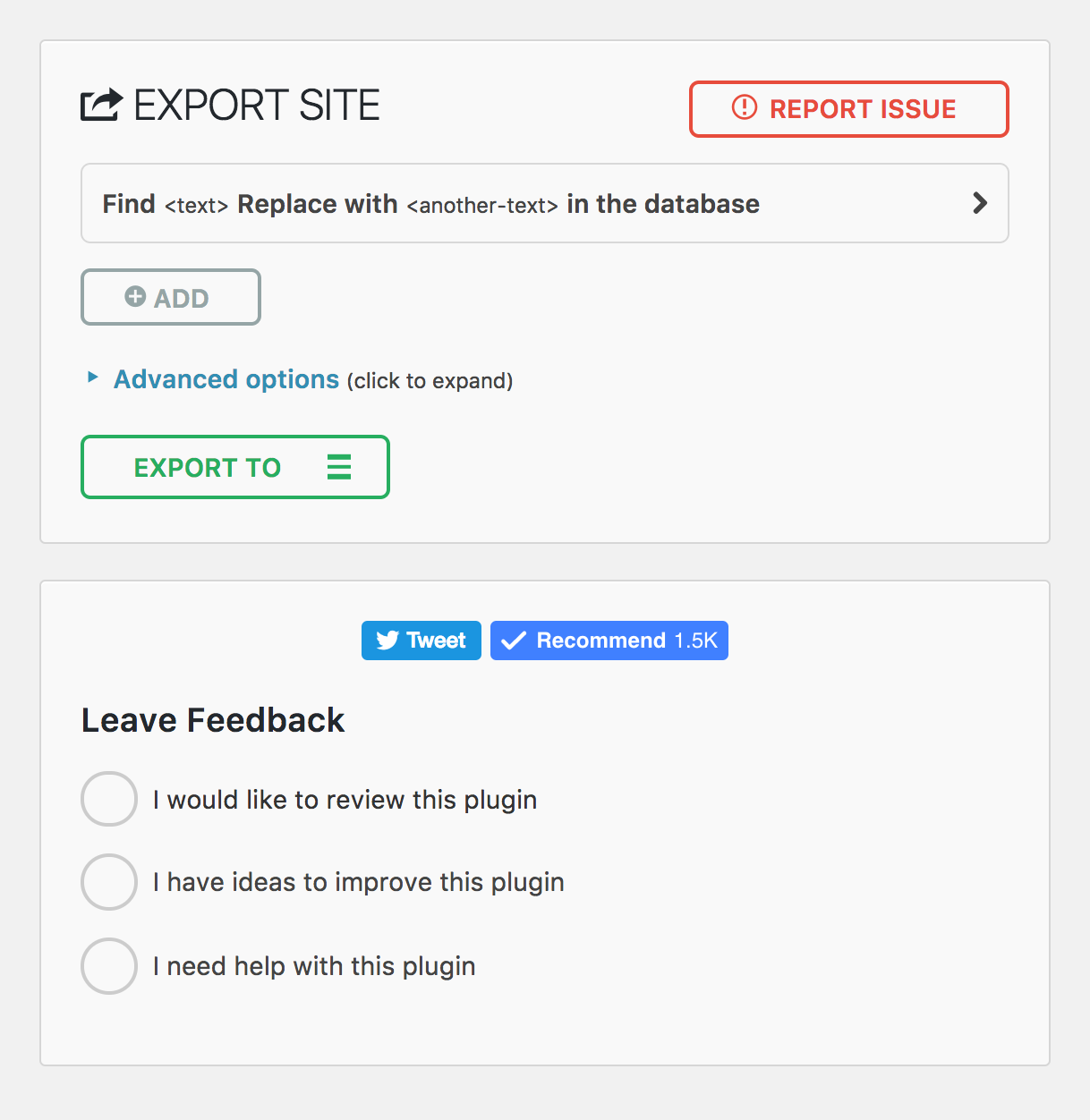
- Navigate to All‑in‑One WP Migration → Export.
- Optionally search and replace text (e.g. change domain names) before exporting.
- Click Export To and choose File. The plugin will package your site into a .wpress file.
- Once complete, click Download to save the backup file to your computer.
3. Import your backup
- On the destination site, install and activate the plugin.
- Go to All‑in‑One WP Migration → Import and drag your .wpress file into the import area or use the Import From button to upload it.
- Confirm the import to overwrite the existing site.
- After import, save your permalinks (go to Settings → Permalinks and click Save) to finish the migration.
4. Manage backups
- The plugin keeps a list of backups under All‑in‑One WP Migration → Backups.
- From here you can restore or delete backups and download copies.
Key features of All‑in‑One WP Migration
- Simple drag‑and‑drop site migration and backup.
- Exports your entire site (database, media, plugins and themes) into one file.
- Search/replace feature for updating URLs or text during migration.
- No server file size limits—supports sites up to 512 MB free (larger with paid extension).
- Compatible with most hosting providers.
All‑in‑One WP Migration makes creating WordPress backups and moving sites straightforward, even for non‑technical users. With just a few clicks you can export your entire site, store it safely and restore it whenever needed.
Leave a Reply